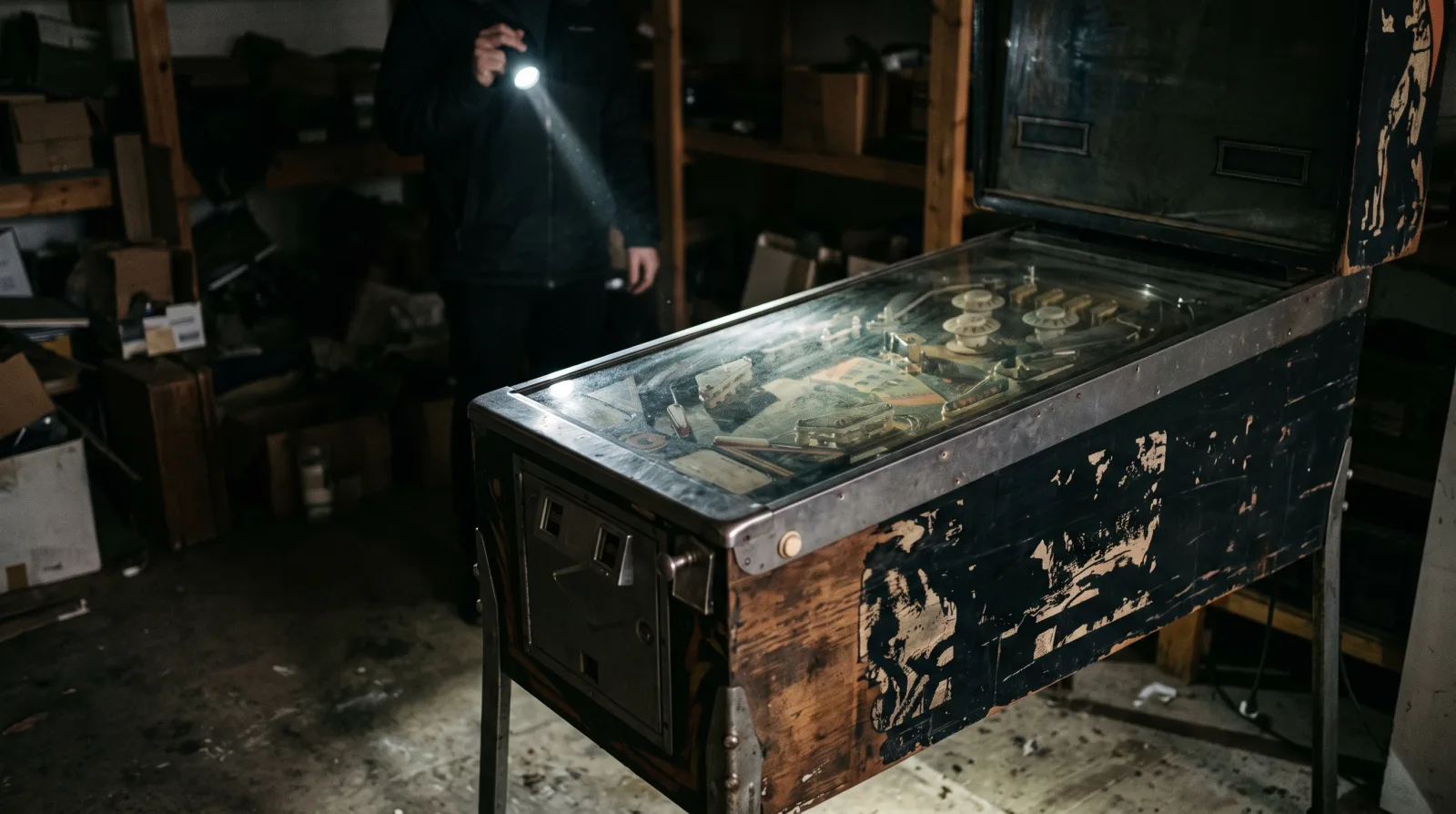
Pinball Machine Won't Turn On? 7 Fixes Before You Call a Tech
Published: July 14, 2026 · By Christian Fernandez
Here is the honest answer up front: when a pinball machine is completely dead, the cause is usually boring. It is almost always power delivery, a dead outlet, a blown fuse, a corroded connector, or damage from leaking batteries. Very rarely is it something exotic. That means there is a decent chance you can find the problem yourself in an afternoon, and I would rather you check the simple stuff before you pay anyone, including me.
I'm Christian from Tri-State Pinball in Newburgh, NY. I work on machines all over the Hudson Valley, and a chunk of the "dead machine" calls I get turn out to be one of the seven things below. Work through them in order.
First, the safety part, and it is not optional. Unplug the machine before you touch fuses, boards, or connectors. Not switched off, unplugged. The power supplies in these games hold voltages that deserve respect, and older machines have exposed line voltage at the transformer and power box. Work with the cabinet unplugged, use a flashlight instead of guessing in the dark, and if you have a multimeter, this is the day it earns its keep. If any step here feels over your head, skip it and read the last section. No repair is worth a jolt.
Fix 1: The Outlet, the Cord, and the Power Strip
Do not laugh, this one solves more dead machines than anything else. Plug a lamp into the same outlet and confirm the outlet actually works. Half the basements in the Hudson Valley have an outlet on a switched circuit or a tripped GFCI somewhere upstream. Check the power strip too, they fail quietly, and check the cord itself where it enters the cabinet. Cords get pinched against walls and chewed by mice, especially on machines that sat in a barn or garage. While you are down there, confirm the machine's own power switch, usually under the cabinet near the front right leg, is actually on. You would not be the first.
Fix 2 and 3: The Line Fuse, Then the Board Fuses
Every machine has a main line fuse near where the power cord enters, on or near the power box or transformer panel in the bottom of the cabinet. If the game is totally dark, this is the prime suspect. Pull it and look for a broken filament or a cloudy, blackened tube, and if you have a meter, check it for continuity, because a fuse can look fine and still be dead.
If the line fuse is good, move to the fuses on the rectifier or power supply board and the driver board. A blown fuse there usually kills part of the game rather than all of it, lights but no solenoids, or a display but nothing else, which is a useful clue by itself.
Two rules. Replace a fuse only with the same rating and type, slow blow stays slow blow. And if the new fuse blows immediately, stop. Something downstream is shorted, and feeding it fuses, or worse, a bigger fuse, is how boards and wiring harnesses burn.
Fix 4: Leaking Batteries on the MPU Board
If your machine is from the late 70s through the 90s, open the backbox and look at the batteries on the main board before you do anything else. The AA batteries that hold high scores and settings leak alkaline over time, and the corrosion creeps down the board eating traces and chips as it goes. It is the single most common serious problem I find in Bally machines from the solid state era, and Williams games from the same period are right behind them.
If you see white or green crust, remove the batteries now and take photos of the damage. Light corrosion can often be neutralized and repaired, heavy corrosion means board work. Either way, do not keep powering a board that is actively corroding, and when the machine is healthy again, move the batteries off the board with a remote holder so this never happens twice.
Fix 5 and 6: Reseat the Connectors, Check the Coin Door Switch
Machines live in basements, and basements swing from damp summers to dry winters. Connector pins oxidize and connections drift loose. With the machine unplugged, gently unplug and reseat the main connectors between the transformer, power supply, and boards, one at a time so nothing ends up in the wrong place. Look for pins that are blackened or melted, that is a failing connection under load and a common cause of a game that flickers, resets, or died slowly over weeks.
Separately, if you have a modern machine, check the coin door power interlock. On newer Stern games, opening the coin door cuts high power on purpose, and a switch that is stuck or misadjusted can leave the game half dead with the door closed. Pulling the interlock plunger or reseating the door usually reveals it instantly.
Fix 7: Listen to the Transformer
Plug the machine back in, turn it on, and listen. A healthy transformer gives a soft hum. Dead silence with a good line fuse and a good outlet points at the power switch, the cord wiring, or the transformer's primary side. A loud buzz plus a burning smell means turn it off now, that is a shorted winding or a cooked component, and running it longer only spreads the damage. Your nose is a real diagnostic tool here. Burnt electronics have a smell you only need to learn once, and if the cabinet has it, the machine needs a tech, not another power cycle.
When to Stop and Hand It Over
If you have been through all seven and the machine is still dead, what is left is genuine repair work: bridge rectifiers, board-level faults, transformer replacement, or chasing a short through the harness. That is soldering iron and schematic territory, and pushing further without those tools usually adds damage instead of fixing it.
That is where we come in. Tri-State Pinball repairs Bally, Williams, Stern, Data East, and Jersey Jack machines in your home across the Hudson Valley, so you are not wrestling a 280 pound cabinet into a truck just to get it diagnosed.
Frequently Asked Questions
More From the Workbench
Still dead after all seven? Call or text Christian at (845) 597-3982 and we will get your machine going again, right in your game room. See our pinball repair page for what we service. And if you have decided this machine is not worth fixing, we buy machines as-is, working or not.